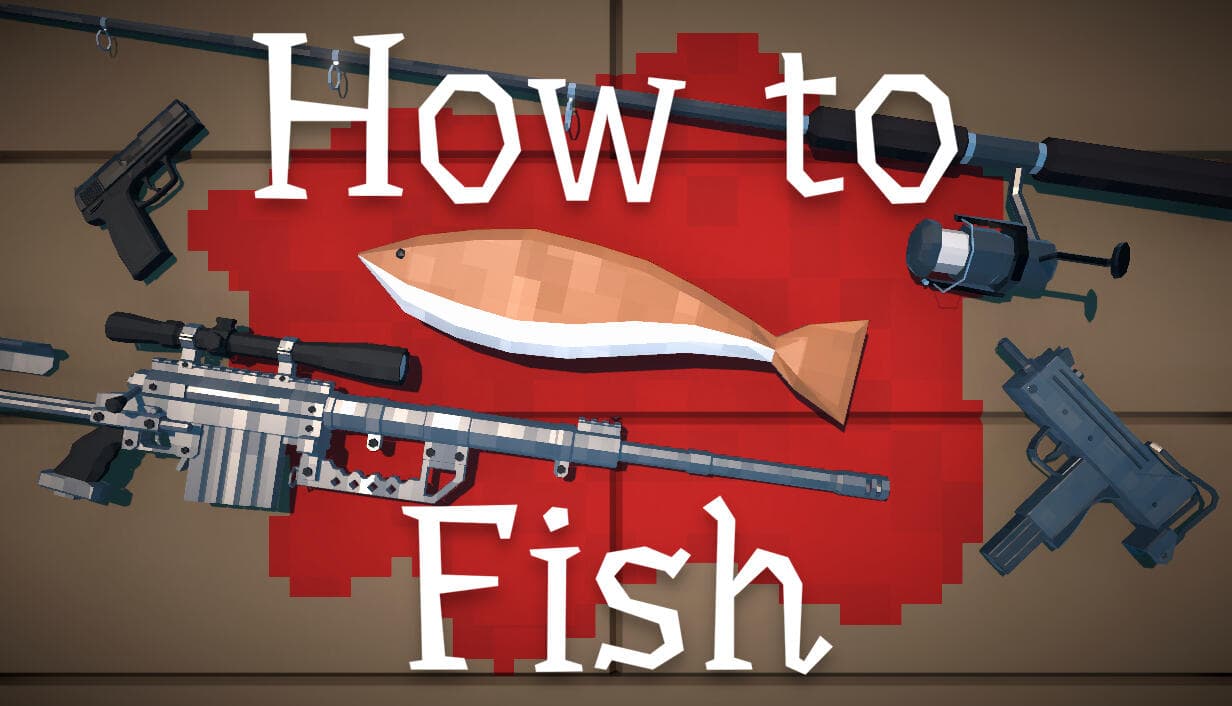
How to Fish is not permanently free-to-play. Steam currently presents it as a paid game from Dazed Games. If you find a claim that it is free, confirm the offer on the official Steam app page before downloading anything. A temporary discount or access event would not make the base game permanently free.
Is How to Fish free right now?
The official Steam purchase box requires payment for the game. The page is Steam app 4001890 and lists Dazed Games as both developer and publisher. No reviewed official source describes the full release as permanently free-to-play.
This answer concerns the game license, not the wiki or public guides. You can read information about the game for free without receiving a copy of the software.
Current Steam price snapshot
On Aug 30, 2026, SteamDB listed the current US price as $7.99. Its price-history table recorded $4.95 at 38% off as the lowest observed US price. The same page showed a record update on Aug 30, so this replaces the expired introductory-sale snapshot previously quoted here.
SteamDB is a third-party tracking source, not the checkout. Steam may show a different currency, tax treatment, or promotion for your account and region. Open the official Steam store source attached to this page and read the live purchase box before deciding to buy. If Steam and the dated snapshot differ, the live Steam purchase box is the current answer.
Temporary promotions are not permanent free-to-play status
A discount lowers the purchase price for a limited period. It does not grant a free license. Likewise, a future free weekend or giveaway would need a dated official announcement with clear access terms before this guide could describe it as available.
Do not infer a promotion from a search snippet, cropped image, or community post. Check whether the same offer appears on Steam or in a Dazed Games announcement, including its region and end time. This page does not promise a future free weekend, giveaway, or public redemption code.
- Standard purchase: A paid license at the displayed regional price. It is not free.
- Discounted purchase: A paid license at a temporary lower price. It is still not free.
- Discounted bundle: Several paid products sold together. A bundle discount is not free access.
- Temporary access event: Play may be limited to stated dates. Verify it with an official page that gives the start, end, and access terms.
- Giveaway: The offer may grant a license under stated conditions. Verify it through an official redemption page with clear eligibility terms.
- Permanent free-to-play release: The base product can be added or played without a purchase price. This status requires a changed official store state or developer announcement.
These labels prevent a common search problem: the word "free" can describe a temporary trial, a gift paid for by someone else, or a permanent product model. Only the last category would change the direct answer at the top of this page.
Record which category the official offer uses before summarizing it. That wording matters more than the size of a displayed discount.
Use the safe official source
Use the Steam page for app 4001890 to purchase or install How to Fish. Confirm the game title and Dazed Games name before continuing. If a legitimate promotion is active, it should lead to a developer-controlled or Steam-controlled redemption path.
Avoid installers, shortened links, or files sent through direct messages. This page does not need a long list of unofficial routes: if the claimed offer cannot be verified through the official store or developer, do not treat it as a free copy.
How to verify a price or free-access claim
Start with the claimed destination, not the promotional wording. A legitimate offer should survive each of these checks:
- Open the Steam page directly and confirm app 4001890.
- Check that Dazed Games is named as developer and publisher.
- Read the live purchase box while signed into the correct region, if applicable.
- Distinguish a base-game offer from a bundle, add-on, or similarly named product.
- Record the currency, region, check date, and any visible end time.
- If the claim came from a social post, confirm that its link reaches Steam or a developer-controlled announcement.
Do not treat an "Add to Cart" button as a free claim, even when the surrounding page shows a large discount. Conversely, do not assume that a zero-price screenshot grants permanent ownership unless the official terms say what happens after the event.
For editors, retain the dated evidence but remove the price from search metadata. Titles and descriptions can remain accurate after a sale ends, while the body snapshot documents what the official storefront showed on its check date.
Frequently asked questions
Is How to Fish a free-to-play game?
No. The official Steam listing currently presents it as a paid product, not a permanently free-to-play release.
Does a Steam discount mean the game is free?
No. A discount still requires a purchase unless the official checkout price is zero and the offer terms say a license is granted.
Are there verified free codes for How to Fish?
No public redemption-code program was verified in the reviewed official sources. Check Steam and Dazed Games rather than trying code strings from community pages.
Is there a verified free demo?
The reviewed official listing does not establish a separate free demo. Store options can change, so use the live app page rather than an undated download directory.
Could How to Fish have a free weekend later?
Only an official announcement could establish that. This guide does not predict future promotions, and any temporary event would need its own dates and access terms.
Where should I check the live price?
Use the official Steam page for app 4001890. It is the current source for your region's price, discount, and purchase status.
The practical answer is simple: How to Fish is currently paid, and Steam controls the live regional price. Treat every dated figure on this page as a snapshot and verify the purchase box before acting.
Sources used
These links support the facts and community-tested operations on this page.
Official paid product status, live regional purchase box, developer identity, and app number.
officialHow to Fish price history on SteamDBDated US-dollar price snapshot and historical-low record checked on August 30, 2026.
third-party-dataDazed GamesDeveloper-owned destination used to confirm the official publisher and release links.
officialHow to Fish news and updatesOfficial update channel to check for announced product or promotion changes.
officialDazed Games DiscordOfficial community destination for announcements, not an alternate game download.
official-community