Official-first recovery guide

How to Fish Troubleshooting

Start with reversible Steam checks, preserve the affected save, and read patch wording literally. This fan site cannot inspect or repair your account or save.

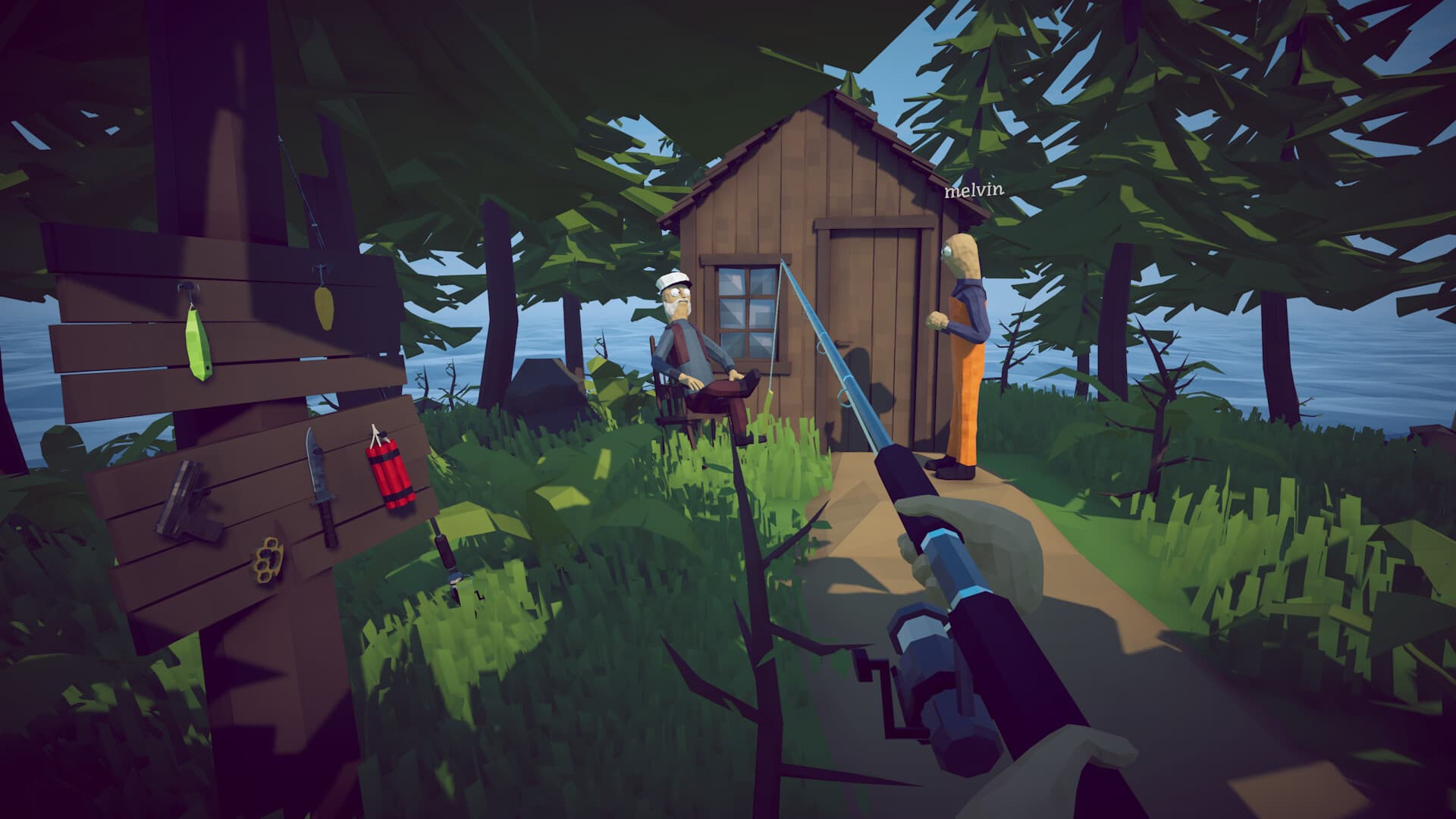
First-person view of a cabin, fishing rod, and wall-mounted equipment
Official Steam image showing a cabin, fishing rod, and equipment display. The image does not demonstrate a repair.View official image source
1.0.10latest patch reviewed
5bounded symptom paths
0save-edit instructions
2026-08-31source review date

Start with reversible checks

Use this order before changing any save or configuration file.

  1. 1
    Restart the computer and Steam

    Steam Support lists a restart as the first basic platform check.

  2. 2
    Install the current game update

    Patch 1.0.10 is the latest official announcement found in the reviewed feed.

  3. 3
    Verify installed files

    Library, How to Fish, Properties, Installed Files, then Verify integrity of game files.

  4. 4
    Retest one unchanged scenario

    Record the save, lobby role, Steam relay color, and exact point of failure.

Open Steam verification instructions

Match the symptom, then keep the limit

Each path states what the source supports and what remains unavailable.

Official Steam support

The game will not start

Steam shows the game starting, but no stable game window opens.

  1. Restart the computer, then start Steam again.
  2. Open How to Fish in the Steam Library, choose Properties, open Installed Files, and run Verify integrity of game files.
  3. Install current Windows and graphics-driver updates, then test again with non-essential background software closed.
Official game note

A save will not load or crashes when equipment is selected

A named save is visible, but loading fails, stalls, or crashes around equipment.

  1. Restart Steam so the current game update is installed before comparing behavior.
  2. Do not delete, rename, edit, or replace the affected save while the cause is unknown.
  3. Use the official Dazed Games Discord common-bugs guidance referenced by Patch 1.0.9 if the problem continues.
Official game note

Steam relay is red or a lobby connection fails

The main-menu Steam diagnostic is red, joining fails, or the connection ends before play begins.

  1. Confirm that Steam is online and restart Steam before retesting the same lobby.
  2. Read the Steam relay diagnostic added in Patch 1.0.9.
  3. If the relay text is red, follow the official common-bugs channel linked by the developer.
Official game note

A dropped item is missing after reloading or joining

An item left in the world is not where the player expected after a session change.

  1. Confirm that the installed game version is 1.0.10 or later before testing ground-item persistence.
  2. Keep important equipment and quest items in controlled storage instead of treating the ground as unlimited storage.
  3. Record whether the item was dropped before leaving, during loading, or while joining another lobby.
Official game note

Roulette keeps ticking or breaks after a player leaves

The roulette table continues ticking, clips the ball, or behaves incorrectly after a session change.

  1. Restart Steam and confirm the current patch before reproducing the issue.
  2. Record the bet value and whether a player left during the roulette action.
  3. Report a fresh reproduction to the official community channel instead of assuming an older workaround is safe.

Do not turn an unknown failure into permanent loss

Third-party guides may suggest editing flags, deleting files, or moving saves. This page does not recommend those actions because the reviewed official notes do not provide a complete, versioned recovery procedure.

  • Do not overwrite the only copy of an affected save.
  • Do not share logs or saves publicly without checking for personal data.
  • Do not treat hopefully fixed as a guarantee of recovery.
  • Use the official common-bugs channel for save-specific instructions.

Prepare a useful issue report

Record facts that let the developer compare one reproduction without exposing private data.

Version

The version printed in player.log, a feature added in Patch 1.0.10.

Scenario

Solo or co-op, host or guest, save name omitted, and the last successful action.

Failure point

Launch, save selection, equipment, lobby join, dropped item, or roulette.

Reproduction

The shortest repeatable steps and whether a clean restart changed the result.

Open official Discord